
TL;DR: Launching an AI creator profile takes 5 focused steps: define a persona, generate a 200+ piece content library, choose your fan platform, build a social media funnel, then automate and scale. With the right setup, your first subscriber can arrive within 48 hours of going live.
Launching your first AI creator can feel overwhelming. What platform? What niche? What does the persona look like? This guide walks you through absolutely everything, from concept to first subscriber.
Before You Start: The Mindset Shift
You are not becoming an influencer. You are becoming a business owner. The AI is the talent; you are the CEO. This distinction is critical because building your own AI creator agency is about systems and strategy, not vanity. You never need to show your face.
Step 1: Define Your Persona
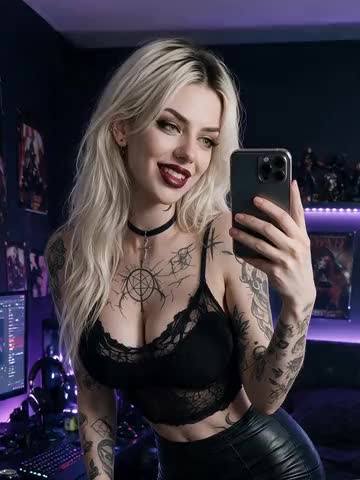
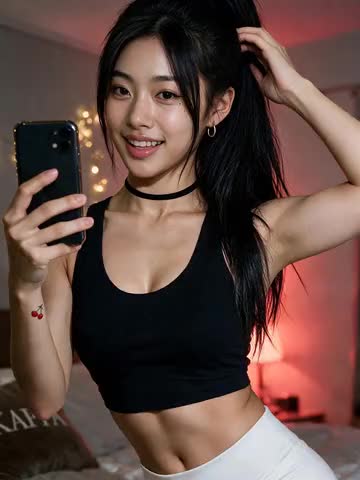
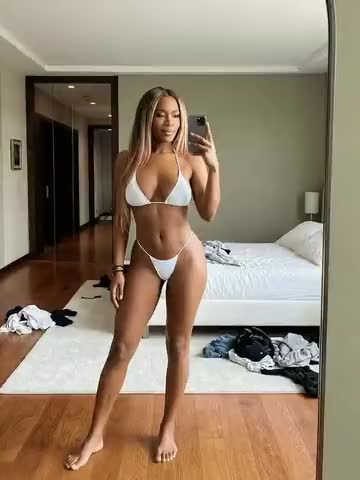
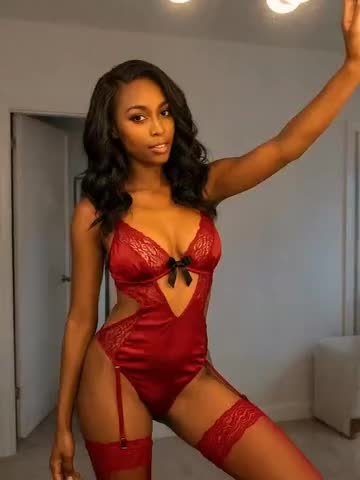
Every successful AI creator starts with a compelling persona. Think of this as creating a character for a film.
Key decisions:
- Name and age: Choose something memorable and on-brand
- Visual style: Aesthetic preferences, body type, fashion sense
- Personality: Flirty? Mysterious? Girl-next-door? This drives engagement
- Niche: Fitness, lifestyle, cosplay, etc.
Pro tip: Study the top 50 creators on OnlyFans and Fansly. Notice how the most successful ones have a clear, consistent “character.” Replicate this specificity.
Step 2: Generate Your Content Library
Using AI image and video generation tools, see our breakdown of the best AI image generators for fan platforms, create a minimum content vault:
- 200+ photos across different settings, outfits, and moods
- 20+ short videos (15–30 seconds each)
- 50+ chat-ready images for responding to fan messages
This library is your engine. The more content you have at launch, the longer you can sustain a consistent posting schedule without gaps.
Step 3: Set Up Your Fan Platform
Choose between OnlyFans, Fansly, or a white-label platform (like Hunaipot Max). Each has trade-offs:
| Platform | Revenue Share | Control | Brand Ownership |
|---|---|---|---|
| OnlyFans | 80% to creator | Low | None |
| Fansly | 80% to creator | Medium | None |
| Hunaipot Max | 100% to you | Full | Full |
Step 4: Build Your Social Funnel
Your fan platform is the monetisation layer. Social media is the discovery layer.
- Twitter/X: Best for adult-adjacent content, high engagement
- Reddit: Massive niche communities, great for organic reach
- Instagram: Good for teaser content (SFW only)
- TikTok: Viral potential, but strict content policies
Post 3–5 times daily on each platform. Use your content vault so this takes minutes, not hours. Our social media growth playbook for AI creators covers the per-platform tactics in depth.
Step 5: Engage and Scale
Once subscribers start arriving:
- Use AI chatbots to respond to messages at scale
- Send weekly pay-per-view drops to your subscriber base
- Monitor which content types drive the most tips and engagement
- Double down on what works
Once one profile is humming, the next move is scaling from 1 to 20 AI personas on top of the same systems.
What Hunaipot Does for You
If all of this sounds like a lot of work, that’s because it is, the first time. Hunaipot handles Steps 1–3 entirely. We design your persona, generate your content library, and set up your fan platform. You just focus on Step 4: promotion.
Get your AI creator built today and launch your first AI creator within days.
The mistakes that cost the first month
Four failures account for most stalled first profiles, and all four are cheap to avoid before launch and expensive to fix after.
Opening the profile empty. A page with four images converts almost nobody, and the fix is a content bank built before launch rather than during it. Aim to open with enough material that the first two weeks of posting are already done.
Letting the face drift. Character consistency is the one thing an audience notices immediately and rarely mentions. If the persona looks slightly different across a set, subscribers read the whole profile as low effort and cancel without explaining why. Lock the reference before generating at volume, and check a new batch against the oldest images rather than against the batch before it, since drift accumulates a little at a time.
Treating promotion as the last step. The platform hosting your paywall will not find you an audience. Promotion starts the day the profile opens and does not stop, which is why the social funnel deserves more of your first month than the generation does. Most people invert this, spending three weeks perfecting images and three days on distribution, then concluding the persona did not work when what did not work was the plan for getting anyone to see her.
Skipping the disclosure. Label the account as AI in the bio from the first post. The FTC’s disclosure guidance applies to generated characters, most platforms require the tag in their own terms, and retrofitting it after taking money is where a content business becomes a fraud problem.
The pattern under all four is the same: each one is a decision deferred rather than a skill missing. Deciding the persona, the library size, the promotion cadence and the disclosure line before launch costs an afternoon. Discovering any of them mid-launch costs the month, because you are rebuilding while trying to grow.