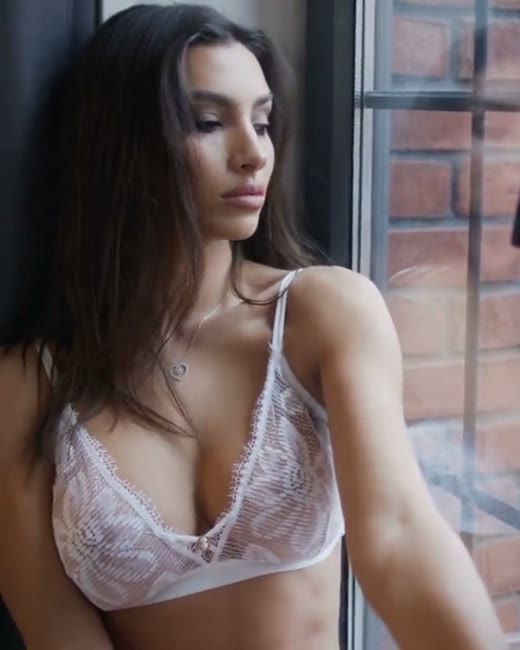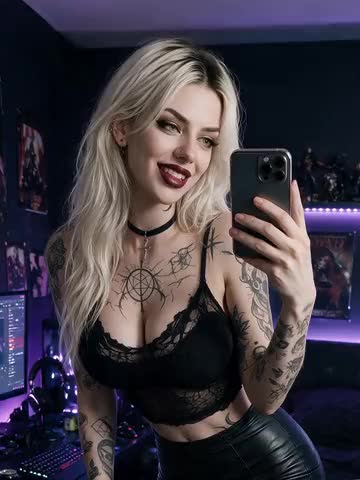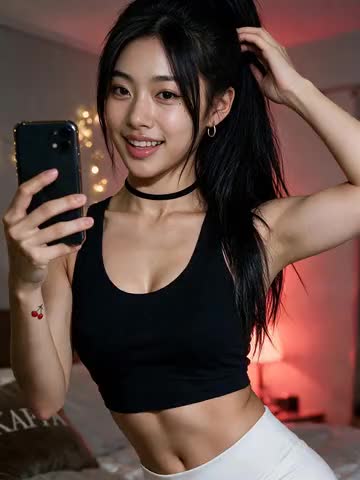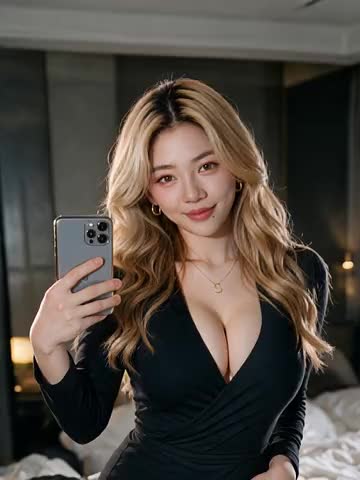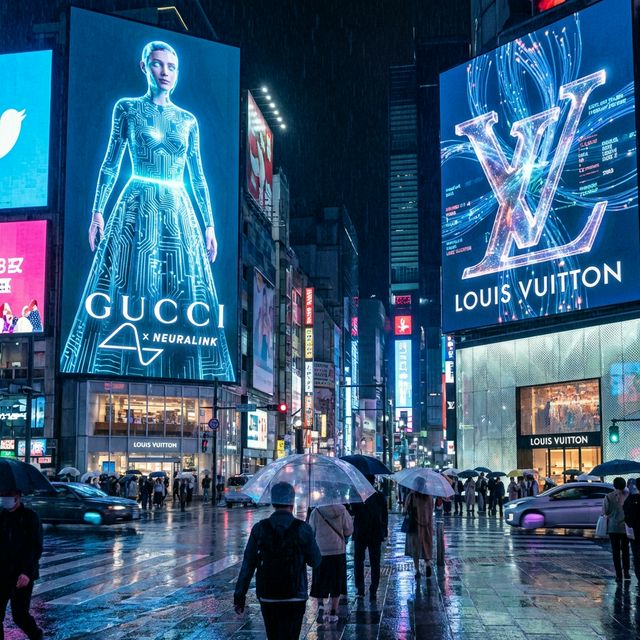

An AI Instagram model is a fictional creator whose photos and reels are generated, posted to a normal Instagram account and used to send followers somewhere they can pay. That last clause is the part most guides skip. Instagram is where the audience gathers, but it is a poor place to collect money from it, so the account only works as a business when it is designed around the exit. Since 31 August 2026 there is also a new rule to build around: Instagram now asks accounts fronted by an AI-generated person to say so on the profile, and limits the reach of those that do not.
What does an AI Instagram model actually do for the business?
It finds strangers, which is the whole job of any AI Instagram influencer account. A new profile on Fanvue or OnlyFans starts with no followers and no traffic, and platform discovery does little for it, so the content earns nothing however good it is. Instagram supplies the audience. The fan platform supplies the paywall.
That split decides almost every design choice. Instagram content has to be safe for a general feed, so the account shows the persona’s look, personality and lifestyle without the material that sits behind the subscription. The bio link carries the whole conversion. Followers are a means, and clicks on that link are the number worth watching.
It also explains why a large following can still earn very little. An account with 50,000 followers and a vague bio is a hobby. One with 8,000 followers, a sharp niche and a clear reason to click can out-earn it.
Does Instagram allow AI-generated models?
Yes, and as of this year it tells you exactly how to run one. On 31 August 2026 Instagram renamed its optional “AI creator” tag to an AI-generated profile label, meant to show when a profile features an AI-generated person rather than a human. Its own wording is that creators “can and should apply the label by editing their profile and toggling on AI-generated profile.”
The consequences are spelled out too. Creators who do not label an AI-generated profile “may see limits to their profile’s reach,” and unlabeled profiles Instagram detects are notified and can check Account Status to see whether they are no longer eligible to appear in recommendations. Accounts that add the label themselves keep their reach. Creators who only use AI tools somewhere in their process, a real person editing photos with AI for instance, do not need it.
For this business that settles an old argument. An AI Instagram model is exactly the case the label was written for, so the label goes on at setup, not after a warning. Recommendations are where a new account finds its first followers, and losing them costs far more than any curiosity the label might deter. The post-level “AI info” label Meta introduced in 2024 still exists alongside it for individual posts.
The harder limit is content. Meta’s adult nudity and sexual activity standard removes sexual imagery by default and says it covers photorealistic AI imagery as well as photographs. So Instagram is a SFW channel for this business, full stop. The risk is not that one borderline post gets pulled. It is that repeated strikes cost you the account, along with every follower you spent months collecting.
How do you create an AI Instagram account, step by step?
The order matters more than any single step, because two of them (the face and the label) are painful to change once followers have arrived.
- Lock the character first. Build a reference set of the face, a few outfits and two or three recurring settings before you generate a single post.
- Pick the niche. One line that tells you what the next hundred posts look like.
- Create the account with a handle and display name that belong to the persona, and switch it to a professional account so you can see reach and link taps.
- Turn on the AI-generated profile label in Edit profile on day one. Waiting until Instagram notices costs you recommendations at exactly the stage you need them.
- Write the bio around the click: who she is, what the paid side offers, one link.
- Post a starter grid of nine to twelve images in the locked look before you promote anything, so a visitor from your first reel sees a coherent feed.
- Check Account Status every week or two. It is where a recommendation limit shows up, and where you appeal one you think is a mistake.
Steps 1, 2 and 5 carry most of the work, so they get their own sections below.
How do you build an AI Instagram model that holds together?
Most failed accounts fail on the same thing: the face drifts. A follower who sees five posts and thinks they show five different women does not follow. Our guide to a consistent AI character goes through the methods in detail, and the short version is that you want a locked reference set, not a fresh prompt each day.
Choose a niche that gives the feed a reason to exist
“Pretty AI girl” is not a niche. “Pilates instructor who travels” is one, because it tells you what the next hundred posts look like. The niches that earn the most are a decent place to test ideas against real demand before you create an AI Instagram model around one.
Plan the profile around the click
The bio does one job. It says who she is in a line, signals what the paid side offers in another, and points to a single link. Highlights, pinned posts and the name field should all reinforce the same niche. Someone arriving from a reel should understand the offer within about five seconds of opening the profile.
Pick a posting rhythm you can sustain
Generated content removes the studio, but it does not remove the schedule. A realistic feed mixes carousels of the persona in one setting, short reels that give the account its reach, and stories that feel less produced. Pick a cadence you can keep for six months. Any AI influencer Instagram plan sits inside the wider social growth tactics for AI creator profiles, and the point that matters most is not burning out by week three.
What does the follower-to-subscriber maths look like?
Nobody publishes reliable benchmarks for this, so the table below is arithmetic on chosen assumptions, not data. Change the inputs to match what your account actually does. The structure is what to take away: three conversion steps multiply, so a small gain at each step compounds.
| Scenario | Followers | Monthly link taps | Subscribe rate | Price per month | Subscribers | Gross | After 20% platform cut |
|---|---|---|---|---|---|---|---|
| Cautious | 20,000 | 1% (200) | 3% | $8 | 6 | $48 | about $38 |
| Middle | 20,000 | 1.5% (300) | 5% | $10 | 15 | $150 | $120 |
| Strong | 20,000 | 3% (600) | 8% | $12 | 48 | $576 | about $461 |
The same 20,000 followers produce a gap of roughly twelve times between the cautious and strong rows, which is why the bio and offer matter more than follower count. Even the strong row is a modest figure for a month’s work, because subscribers churn and the table counts one month of new sign-ups, not a growing base.
The picture improves as subscribers stay. A retained fan pays again next month with no further effort from Instagram, so earnings build slowly out of the retained base. The 20% cut is the standard on Fanvue and OnlyFans alike, which means the platform you pick changes the rules and tools far more than the maths.
How does Instagram compare with the other channels?
Instagram is rarely the whole plan. Operators use it for brand and credibility, then add channels where the audience is more open to the paid offer.
| Channel | Main job | Adult content on the feed | Link-out friendliness |
|---|---|---|---|
| Brand, credibility, reels reach | No | Bio links, tightly watched | |
| X | Volume and daily posting | Allowed with sensitive-media settings | Links generally fine |
| Highest-intent traffic | Allowed in NSFW communities, subreddit rules apply | Varies sharply by subreddit | |
| TikTok | Short-video reach | No | Bio link, limited |
Read the channel rules before you build a content plan around one. They change, and the August 2026 label is a fair example: a plan that relied on followers never asking whether she was real stopped working the day Instagram started asking for them.
What takes AI Instagram accounts down?
A few patterns come up again and again. Reposting the same generated image across several accounts invites a spam flag. Bio links that go straight to a platform known for adult content can get restricted, which is why many operators route through a neutral landing page. Buying followers inflates the number and wrecks the click rate, which is the figure that matters. A persona that suddenly changes face, because the generation method changed, loses the audience that came for the original. And an unlabeled AI-generated profile now risks dropping out of recommendations, quietly, with the only notice sitting in Account Status.
Backup matters too. Keep the handle, the reference set and an email or messaging list outside Instagram, because the account is rented ground. One policy change or one wrongful removal and the whole audience goes with it, so a second channel is insurance rather than a luxury.
Should you build it yourself or have it built?
Building yourself costs hours. Expect to learn a generation workflow, hold a character steady across hundreds of images, and edit video that does not look machine-made. If you enjoy the tooling, that is a fair trade, and the step-by-step route to becoming an AI influencer lays out the order to do it in.
Having it built costs less of your time and none of the learning curve, but you give up some control of the day-to-day look and you depend on the quality of whoever builds it. Hunaipot is one option on that side: it designs the persona, produces the content library and sets up the fan platform, while you run the promotion and keep every dollar the profile earns. It does not run the Instagram account for you, so the posting and the label stay your job. Whichever route you take, the account stays yours, the persona stays openly fictional, and your own face never appears. For many people with a job and a name to protect, that last point is why they chose this model at all.